
Two different holders of your Slack data
Most people use Slack through a workspace that someone else set up, usually an employer, a school or a community. That changes who you ask. Slack’s privacy policy splits the data in two: “In general, the Customer is the controller of Customer Data. In general, Slack is the processor of Customer Data and the controller of Other Information.”
| Who | What they control | Ask them for |
|---|---|---|
| The workspace owner or admins (the Customer) | What is inside the workspace: messages, files, channels, and how long they are kept | Deleting your messages and profile, a copy of what you wrote, shorter retention |
| Slack Technologies Limited (Dublin) | Other Information, the data Slack holds for its own purposes, such as account and usage information | Erasure and access for that data, at privacy@slack.com |
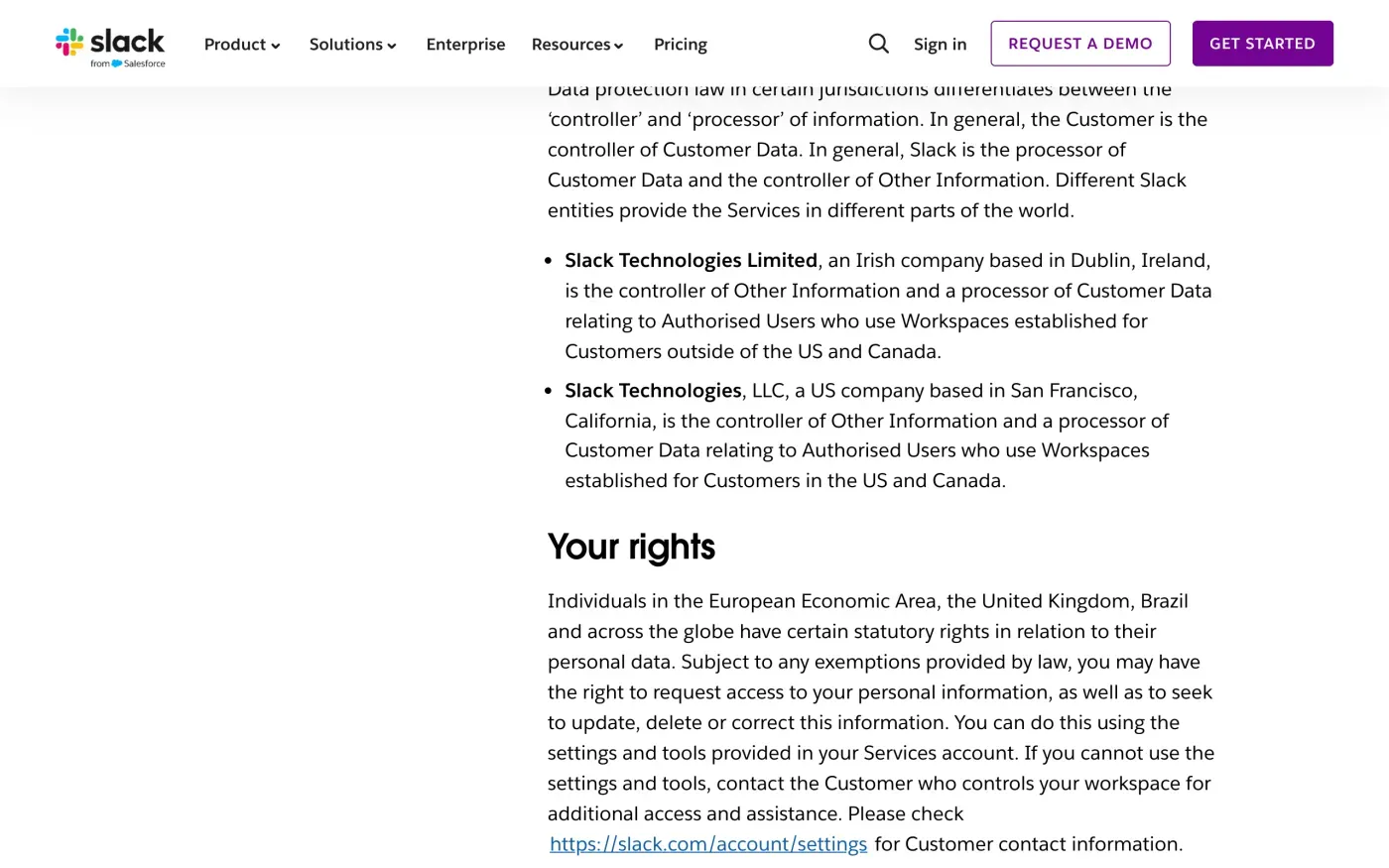
Slack’s policy says that if you cannot use the settings and tools, “contact the Customer who controls your workspace for additional access and assistance.” If the workspace belongs to your employer, the employer decides how long messages stay. Slack may not be able to delete them on your say-so.
What deactivating your account does
Open your account settings, scroll to Deactivate account, enter your password and confirm. It takes effect at once. Slack’s help centre says what to expect first:
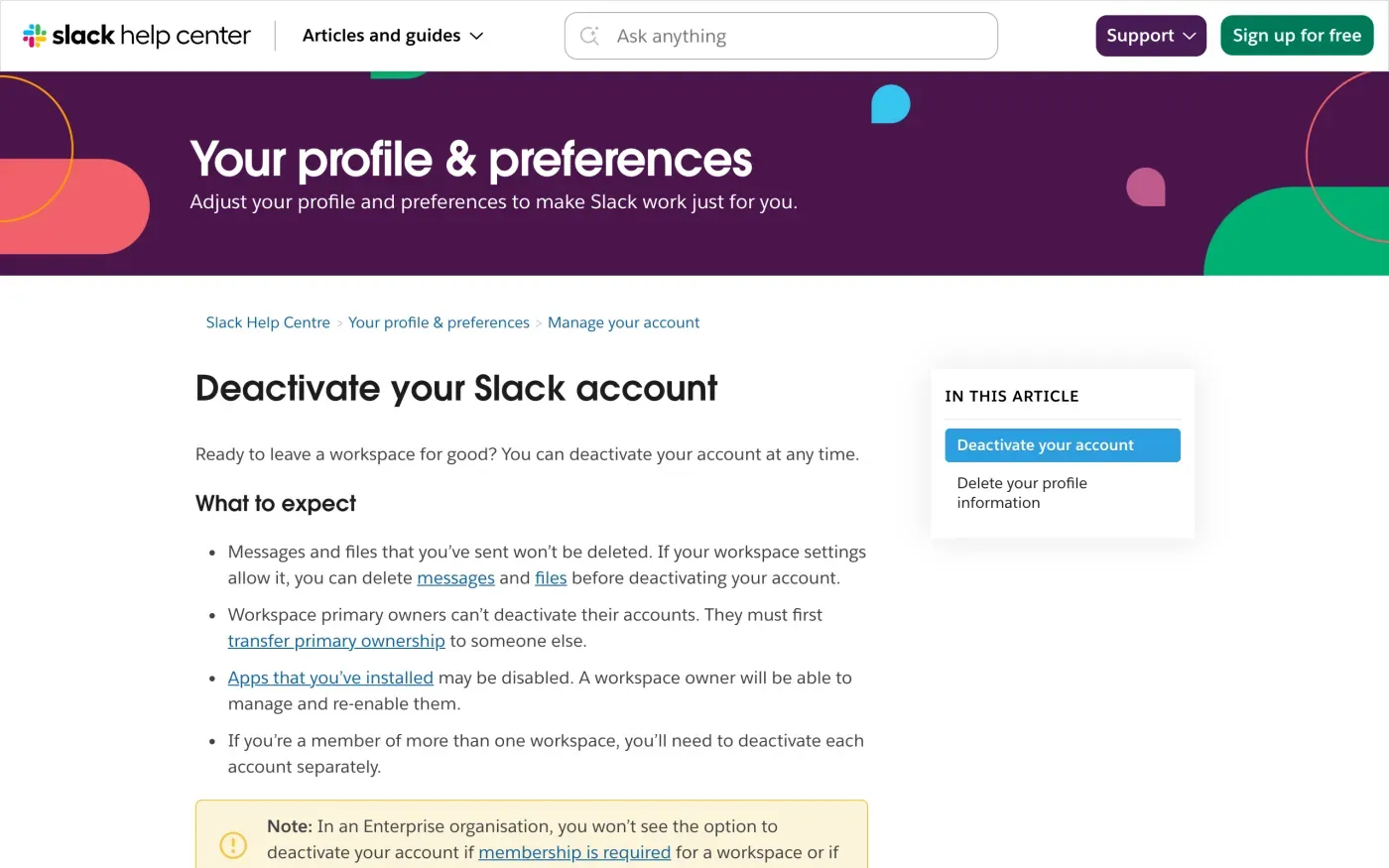
| If you are | What Slack says |
|---|---|
| A member | You can deactivate at any time. Messages and files you sent are not deleted. You can delete them first if workspace settings allow it. |
| In several workspaces | "you'll need to deactivate each account separately" |
| A Primary Owner | You cannot deactivate. You must first transfer primary ownership to someone else. |
| In an Enterprise organisation | "you won't see the option to deactivate your account if membership is required for a workspace or if you're a guest." |
Deactivating does not remove your profile. Slack’s help centre says: “To delete your profile information, contact the Workspace Primary Owner after deactivating your account.” So the last step is a request to a person.
If you own the workspace
A Primary Owner who wants to leave must hand ownership over first. Slack’s export article names who can export workspace data: “Org Owners/Admins (Enterprise plans), Workspace Owners (Free, Pro, and Business+ plans), and members with the Export Admin system role”. The article lists exports of public channels, and of all channels and direct messages, in JSON format.
If you run a workspace for other people, you are the controller of their messages in the sense of the policy above. Requests from members to delete or copy their data are yours to answer within one month (GDPR Article 12(3)), and Slack acts as your processor (Article 28).
Where to send a request to Slack
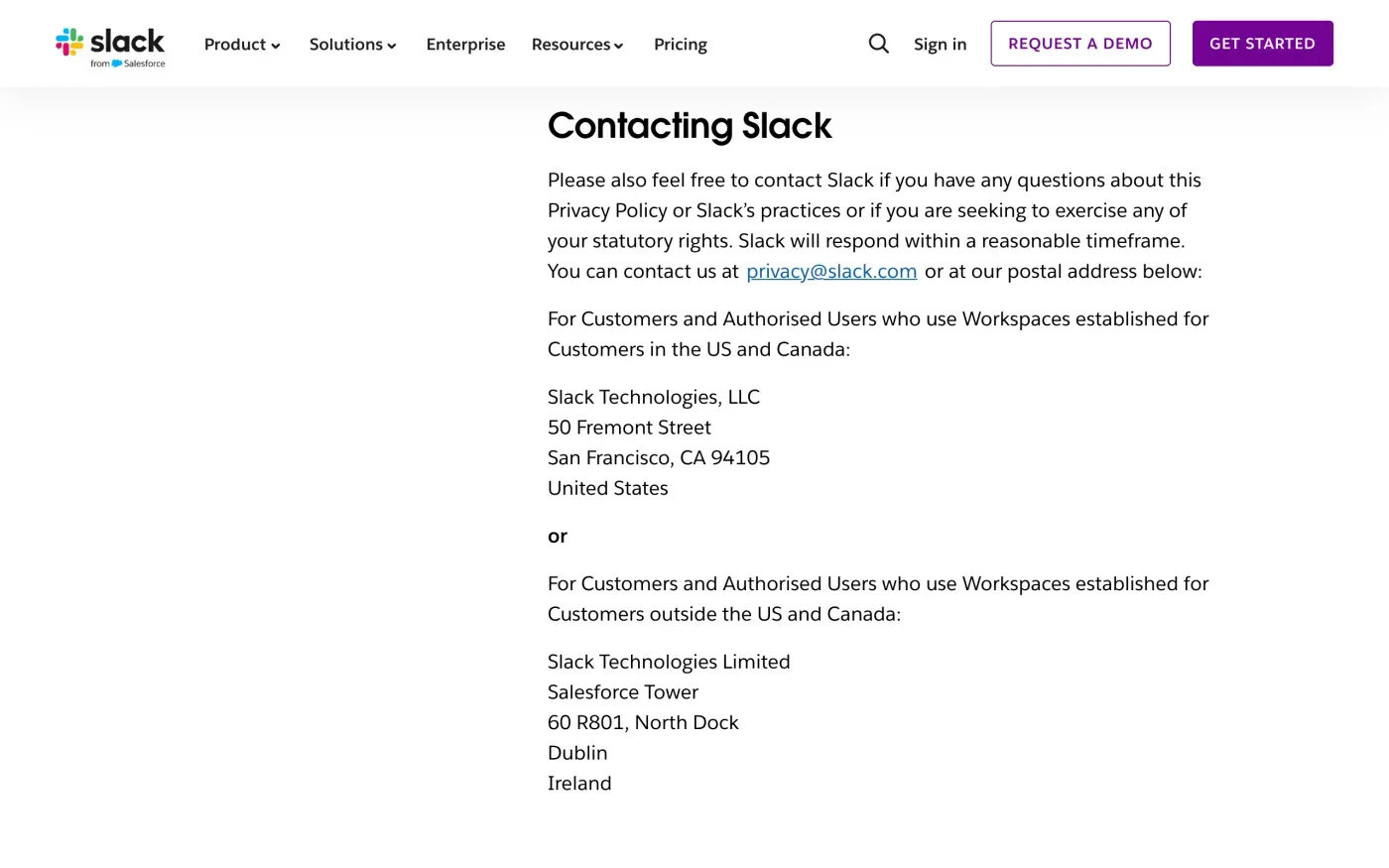
For your own account data, Slack’s privacy policy says: “You can contact us at privacy@slack.com or at our postal address below”. For workspaces outside the US and Canada the address is:
| Route | Details, as Slack publishes them |
|---|---|
| privacy@slack.com | |
| Data protection officer | dpo@slack.com |
| Post (outside US and Canada) | Slack Technologies Limited, Salesforce Tower, 60 R801, North Dock, Dublin, Ireland |
| Web form | salesforce.com/form/other/privacy-request |
The policy says Slack “will respond within a reasonable timeframe”. The law is firmer: one month from receipt, with a possible extension, as in the response deadline guide. Slack names Slack Technologies Limited for the UK too, so the same address applies and there is no separate UK controller in the policy. UK readers can use the UK versions of the letters.
What Slack says it keeps
Slack’s policy ties retention to the workspace. It says it retains Customer Data “in accordance with a Customer’s instructions” and as the law requires, and Other Information “for as long as necessary for the purposes described in this Privacy Policy”. It publishes no fixed number of months. The policy adds that “deletion of Customer Data and other use of the Services by the Customer may result in the deletion and/or de-identification of certain associated Other Information.”
That is why your letter should ask Slack to name the retention period for each kind of data it holds as controller, and to say which data sits with the workspace owner instead.
The letter
Send it to privacy@slack.com. Put your workspace name and the email address on your Slack account in the first lines, because Slack can verify you only against its records (Article 12(6)). Ask for a copy first if you want to see what Slack holds before you erase it.
Dear Slack privacy team,
Under Article 15 of the GDPR, I ask for a copy of all the personal data you hold about me.
Please also tell me why you use it, what kinds of data you hold, who you have shared it with, how long you will keep it, where you got it if not from me, and whether you make automated decisions about me.
My account uses the email address [your account email].
Please answer within one month of receiving this request, as Article 12(3) of the GDPR requires.
Kind regards,
[Your name]
Dear Slack privacy team,
Under Article 17 of the GDPR, I ask you to erase all the personal data you hold about me.
My account uses the email address [your account email]. If you keep any of my data, please tell me what you keep and the legal reason.
Please answer within one month of receiving this request, as Article 12(3) of the GDPR requires.
Kind regards,
[Your name]
If you are in the UK, use the UK version of the erasure letter, which cites the UK GDPR. The subject access request guide covers the copy in more detail.
Workspaces and accounts everywhere?
Reflex finds the companies in your Gmail, sends the letter to each from your own address and follows up for three months. Free to join the beta, €19 once when you start.
If Slack does not answer
If the month passes with no reply, send one reminder, then complain. Slack Technologies Limited is based in Dublin, so for EU workspaces the lead authority is Ireland’s Data Protection Commission. You can still complain to the authority where you live (Article 77), which passes the case on to the lead authority (Article 56). The EDPB lists the national authorities. In the UK, complain to the ICO.
If the workspace owner is the one ignoring you, your complaint is about the owner, an employer or organisation, not Slack. See what to do if a company ignores your request. The deletion letter guide covers sending the same request to a workspace owner. Similar chat tools: Discord, Zoom and Microsoft.
Questions
Does deactivating my Slack account delete my messages?
No. Slack's help centre says messages and files you have sent are not deleted. If your workspace settings allow it, you can delete them yourself before you deactivate.
Who can delete my profile information?
According to Slack's help centre, you contact the workspace Primary Owner after you deactivate, and the Primary Owner can delete your profile information.
Who is responsible for my Slack data, Slack or my employer?
Both, for different data. Slack's policy says the workspace Customer is the controller of Customer Data and Slack is its processor, while Slack is the controller of what it calls Other Information.
Can I download my own Slack data?
Slack's export article lists Workspace Owners, Org Owners and Admins, and members with the Export Admin role as the people who can export. For a copy of your own data, ask the owner or write to Slack's privacy address.
Which authority do I complain to?
Slack Technologies Limited is based in Dublin, so the Irish Data Protection Commission leads for EU workspaces. You can also complain to your own national authority, or to the ICO in the UK.
Sources
- Slack Privacy Policy, Identifying the Data Controller and Processor; Your rights; Data retention; Data Protection Officer; Contacting SlackSlack, checked 16 November 2026
- Deactivate your Slack account, What to expect; Delete your profile informationSlack, checked 16 November 2026
- Export your workspace dataSlack, checked 16 November 2026
- Privacy request form, Linked from the privacy policySlack, checked 16 November 2026
- Members of the EDPB, national data protection authoritiesEuropean Data Protection Board, checked 16 November 2026
- Data Protection CommissionData Protection Commission (Ireland), checked 16 November 2026
- Regulation (EU) 2016/679, the GDPR, Articles 4, 12, 17, 28, 56 and 77EUR-Lex, checked 16 November 2026
- Make a complaintICO, checked 16 November 2026