
One account, many products
A Microsoft account is the login for Outlook.com, OneDrive, Xbox, Skype, Microsoft 365, the Microsoft Store and Copilot. Closing it ends all of them at once, so decide what you want to keep first. Each product has its own export, and you should run them before you close anything.
| What you want to keep | Where Microsoft says to get it |
|---|---|
| Search, browsing, location and activity data | The privacy dashboard at account.microsoft.com/privacy |
| Copilot data | The privacy dashboard |
| Emails, calendar and contacts | Outlook.com Settings, under Privacy and data |
| Files | OneDrive, where you can view and download your files |
| Skype chats and files | go.skype.com/export |
Games, purchases and subscriptions need a decision first. Everything tied to the account goes with it, so read the help page’s list of risks before you tick the boxes, and use up any balance.
Closing the account
Microsoft’s route needs you to be able to sign in. Its help page says Microsoft wants to be sure that it is really you and that you are not leaving anything important behind.
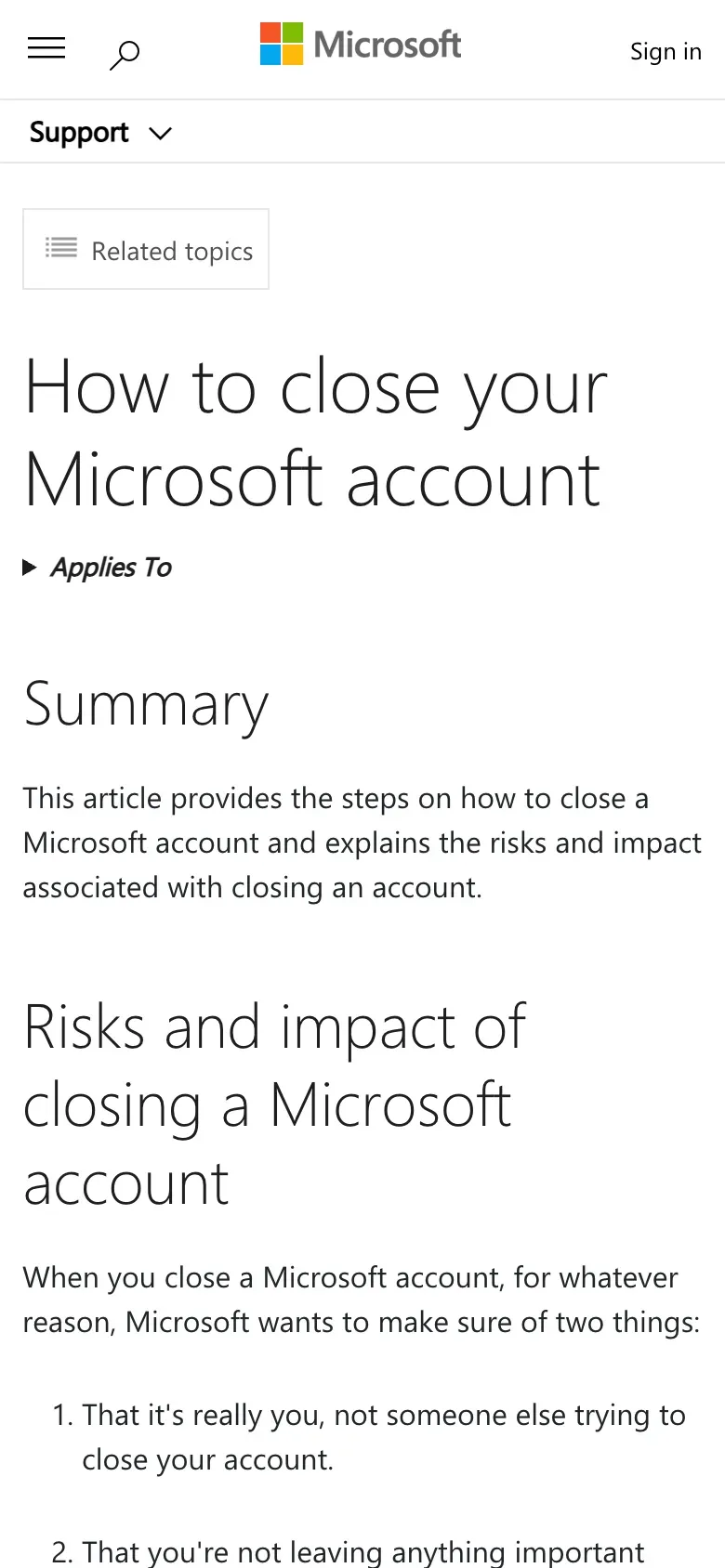
- Sign in and verify.
Sign in to the account you want to close and verify your identity if Microsoft asks.
- Check the account.
Confirm the page shows the right account and select Next.
- Tick each item.
Read the list and tick each box to say you have read it.
- Pick the reopen window.
Choose 30 or 60 days. Then choose a reason from the dropdown and select Mark account for closure.
What happens to the data
Microsoft’s privacy statement says: “After requesting account closure, the account is marked for deletion, but we will wait 60 days before permanently deleting the account in case you change your mind or need to access information.” The help page lets you pick 30 or 60 days and says that once the account is closed and the window has passed, “we will delete your data and your content.” If you sign in during the window, the closure is cancelled.
The account itself is covered. The statement also warns that “not all personal data processed by Microsoft can be accessed or controlled via the tools described in this section”, and that you then contact Microsoft directly.
When to write instead
Write to Microsoft when you cannot sign in, when you want the data erased without waiting for a reopen window, or when you want to know what Microsoft still holds after the tools have run. In the EEA, the UK and Switzerland the statement names Microsoft Ireland Operations Limited as a controller, so one letter goes to Dublin:
Microsoft Ireland Operations Limited, Attn: Data Protection Officer, One Microsoft Place, South County Business Park, Leopardstown, Dublin 18, Ireland
The statement’s “How to contact us” section also points to a “privacy support and requests” page. It has a form for requests about a personal Microsoft account (aka.ms/privacyresponsemsa) and another for requests that are not about one (aka.ms/privacyresponseother). It says to visit the privacy dashboard first. Neither page gives an email address for privacy requests, so this guide gives none. Use the form or the postal address, and keep a copy of what you send.
The statement also lists Microsoft Privacy, Microsoft Corporation, One Microsoft Way, Redmond, Washington 98052, USA. For a European or UK customer, write to Dublin.
Is the UK different?
The controller is the same. The same sentence names Microsoft Ireland Operations Limited for the EEA and the UK, so you write to the same Dublin address. The law that applies to a UK reader is the UK GDPR, and the statement refers disputes with UK individuals to the UK Information Commissioner. Use the UK letter below if you are in the UK. See the UK right to be forgotten guide.
The letter
Fill in the email on your Microsoft account and your name, then post it to Dublin or paste it into the privacy form. If you also want a copy of your data before it goes, send the access letter first.
Dear Microsoft privacy team,
Under Article 17 of the GDPR, I ask you to erase all the personal data you hold about me.
My account uses the email address [your account email]. If you keep any of my data, please tell me what you keep and the legal reason.
Please answer within one month of receiving this request, as Article 12(3) of the GDPR requires.
Kind regards,
[Your name]
For a copy of your data, use the subject access request guide. For the deadlines and what Microsoft must tell you if it refuses, see the deletion letter guide and the response deadline guide.
More accounts than Microsoft?
Reflex finds the companies in your Gmail, sends this letter to each from your own address and follows up for three months. Free to join the beta, €19 once when you start.
If Microsoft does not answer
Microsoft’s FAQ says: “We will respond to questions or concerns as required by law and within a period no longer than 30 days.” The GDPR gives one month, extendable by two only with a reason (Article 12(3)). If it passes, send a reminder; the guide to ignored requests has one.
Then complain. In the EU, the Irish Data Protection Commission takes concerns through its online form, and says to contact the company first. Article 77 also lets you complain to the authority where you live. In the UK, complain to the ICO.
Questions
How do I delete my Microsoft account?
Sign in and use Microsoft's "How to close your Microsoft account" page. You confirm the account, tick each item to say you have read it, choose a 30 or 60 day reopen window, give a reason and select "Mark account for closure".
Can I get my Microsoft account back after closing it?
Yes, during the reopen window. Microsoft says that once the account is closed and the window has passed, it deletes your data and content. Sign in again before then to cancel the closure.
How do I download my Microsoft data?
Use the Microsoft privacy dashboard at account.microsoft.com/privacy. Outlook.com, OneDrive and Skype also have their own export options.
Who is the data controller for Microsoft in Europe and the UK?
Microsoft's privacy statement says that for people in the European Economic Area, the United Kingdom and Switzerland, Microsoft Ireland Operations Limited is a data controller, together with Microsoft Corporation.
What if Microsoft does not answer?
Microsoft's FAQ promises a response within no more than 30 days. If it does not come, complain to the Irish Data Protection Commission or, in the UK, the ICO.
Sources
- Microsoft Privacy Statement (UK), Last updated November 2026. Controllers; How to access and control your personal data; How to contact usMicrosoft, checked 15 November 2026
- Microsoft Privacy Statement (US English), Last updated November 2026Microsoft, checked 15 November 2026
- How to close your Microsoft accountMicrosoft, checked 15 November 2026
- Privacy support and requestsMicrosoft, checked 15 November 2026
- Privacy Frequently Asked QuestionsMicrosoft, checked 15 November 2026
- Raising a concern with the Data Protection CommissionData Protection Commission (Ireland), checked 15 November 2026
- Make a complaintICO, checked 15 November 2026
- Regulation (EU) 2016/679, the GDPR, Articles 12, 15, 17 and 77EUR-Lex, checked 15 November 2026