
Why the account stays while you hold tickets
Ticketmaster has no delete button in the account. Its help centre sends you to a privacy webform, and it attaches one condition that catches most people. The UK privacy policy says:
The right to delete or erase your account cannot be made where you have a ticket or transaction for a future event even if you have printed or received these tickets so once the event has passed then this request can be exercised.
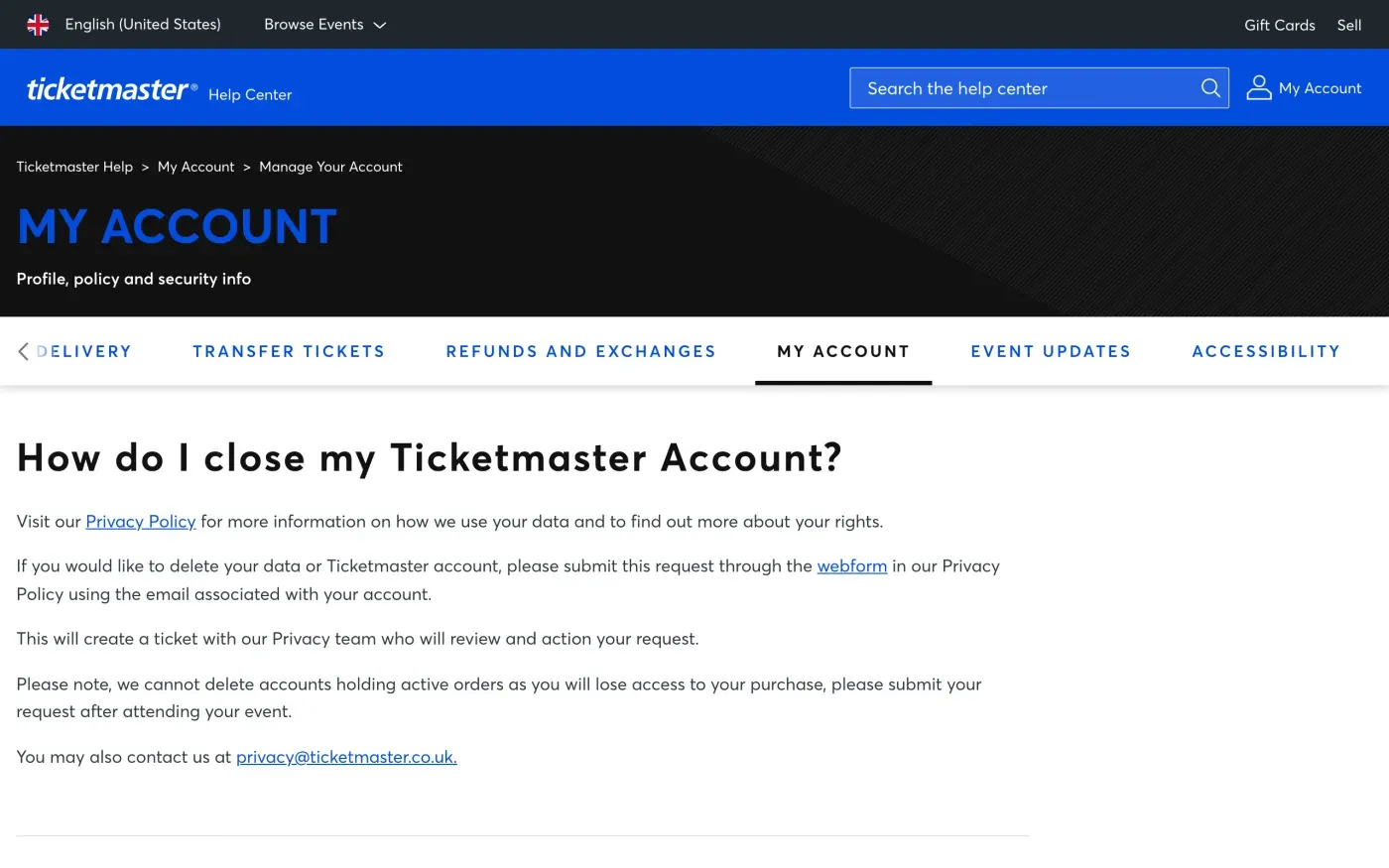
The help article says the same in plainer words: “we cannot delete accounts holding active orders as you will lose access to your purchase, please submit your request after attending your event.”
Wait until your last event has passed, then send the request. If you are not sure whether anything is still open, check the events in your account first.
Where to send it
Ticketmaster gives two routes. The UK privacy policy says: “To exercise any of the above rights please contact us using our Webform”. Its link is:
The help article gives an email as the alternative: privacy@ticketmaster.co.uk. The international privacy policy lists privacy@ticketmaster.com, and a postal address: Live Nation Entertainment, Inc., 9348 Civic Center Drive, Beverly Hills, CA 90210, Attention: Privacy Officer, Legal. In the UK, use the webform or the .co.uk address first. Use the same email address as your account in either case.
Who holds your data
The UK privacy policy names Ticketmaster UK Limited, 30 St. John Street, London, England, EC1M 4AY, as the company behind UK accounts. The policy says “the data controller that processes your information depends on which market you have an account or subscription with”, and for the US it names Ticketmaster L.L.C. in Beverly Hills.
The policy adds an EU contact: “If you are based in the European Union (EU) but are using your account with one of our non-EU entities, their Article 27 representative is Ticketline Unlimited Company t/a Ticketmaster.” The policy describes it as a representative for people whose account is with a non-EU Ticketmaster company, and it does not name the controller for EU country sites. If you use a Ticketmaster site in an EU country, open the privacy policy on that site and use the contact it gives.
Get your tickets and order history first
Deleting the account removes your digital identity on Ticketmaster, and the policy says that identity is “how we ensure your ticket purchases are secure and connected to an individual”. Once it is gone you cannot show past orders, refund history or ticket transfers. If you may need any of that, ask for a copy of your data before the deletion, or in the same message and say you want it to arrive first. The subject access request guide explains what the copy covers.
What Ticketmaster keeps and for how long
The privacy policy sets two triggers for deletion: “(1) request deletion of your account, in which case your account and associated information will be deleted within a maximum of 90 days depending on the timeframes required by your local laws; or (2) your account has 7 years’ of inactivity.”
| Situation | What Ticketmaster says |
|---|---|
| You ask for deletion and have no future events | Account and associated information deleted within a maximum of 90 days, depending on local law |
| You hold a ticket or transaction for a future event | The deletion cannot be made until the event has passed |
| You never ask | Deleted after 7 years of inactivity |
Ninety days is longer than the one month the GDPR gives a company to answer (Article 12(3)), so expect a reply within the month even if the deletion itself takes longer. The letter below asks Ticketmaster to name anything it keeps for legal reasons.
Will Ticketmaster ask for ID
The policy says: “To verify your identity, we may collect information such as your full name and email address. This information will be compared to our existing records to verify the identity of the individual submitting the request.” It may also confirm by an automated email before responding, and may ask for more for sensitive requests.
Send the request from the email address on your account, and give your full name as it appears on it. If Ticketmaster asks for more, give only what it needs to find the account, such as an order number. Article 12(6) lets a company ask for more only if it has reasonable doubts about who you are.
The letter
Use it by email to the address above, or paste it into the webform. In the UK, you can use the version that cites the UK GDPR from the UK right to be forgotten guide. If you want your data first, build the copy request as well.
Dear Ticketmaster privacy team,
Under Article 17 of the GDPR, I ask you to erase all the personal data you hold about me.
My account uses the email address [your account email]. If you keep any of my data, please tell me what you keep and the legal reason.
Please answer within one month of receiving this request, as Article 12(3) of the GDPR requires.
Kind regards,
[Your name]
Dear Ticketmaster privacy team,
Under Article 17 of the UK GDPR, I ask you to erase all the personal data you hold about me.
My account uses the email address [your account email]. If you keep any of my data, please tell me what you keep and the legal reason.
Please answer within one month of receiving this request, as Articles 12(3) and 12A of the UK GDPR require.
Kind regards,
[Your name]
Dear Ticketmaster privacy team,
Under Article 15 of the GDPR, I ask for a copy of all the personal data you hold about me.
Please also tell me why you use it, what kinds of data you hold, who you have shared it with, how long you will keep it, where you got it if not from me, and whether you make automated decisions about me.
My account uses the email address [your account email].
Please answer within one month of receiving this request, as Article 12(3) of the GDPR requires.
Kind regards,
[Your name]
For the deadlines and what Ticketmaster must tell you if it refuses, see the deletion letter guide.
Tickets on more than one site?
Reflex finds the companies in your Gmail, sends this letter to each from your own address and follows up for three months. Free to join the beta, €19 once when you start.
If Ticketmaster does not answer
Ticketmaster has one month from receiving your request, extendable by two months only if it tells you why within the first month. If that passes, send a reminder; the guide to ignored requests has one, and the response deadline guide shows how to count the days.
If there is still no answer, complain. In the UK, complain to the ICO. The policy tells you that you also have “your local Supervisory Authority where you have one”, although Ticketmaster encourages you to let it help you first. In the EU you can complain to the authority where you live, and the EDPB keeps the list of national authorities (Article 77).
Questions
How do I delete my Ticketmaster account?
Ticketmaster's help centre says to submit the request through the webform in its privacy policy, using the email address associated with your account. You can also email privacy@ticketmaster.co.uk.
Why can't I delete my Ticketmaster account?
Ticketmaster says it cannot delete an account that holds a ticket or transaction for a future event, even if you have printed or received the tickets. Once the event has passed, you can send the request.
How long does Ticketmaster take to delete an account?
Its privacy policy says the account and associated information are deleted within a maximum of 90 days, depending on the timeframes required by local laws. The GDPR deadline to answer you is still one month.
Does Ticketmaster delete inactive accounts?
Its privacy policy says information is deleted if the account has 7 years of inactivity.
Does Ticketmaster ask for ID?
It says it may collect your full name and email address and compare them with its records, and may confirm by an automated email. Send the request from your account email.
Who regulates Ticketmaster in the UK?
The ICO. Ticketmaster's policy also points you to your local supervisory authority.
Sources
- Ticketmaster UK privacy policy, Last updated 29 July 2026; exercising your rights, identity checks, retentionTicketmaster, checked 16 November 2026
- Ticketmaster privacy policy (international), Last updated 29 July 2026; contact, retention, representative in the EUTicketmaster, checked 16 November 2026
- How do I close my Ticketmaster Account?, Ticketmaster UK Help Center, My AccountTicketmaster, checked 16 November 2026
- Regulation (EU) 2016/679, the GDPR, Articles 12, 15, 17 and 77EUR-Lex, checked 16 November 2026
- Make a complaintICO, checked 16 November 2026
- Members of the EDPB, national data protection authoritiesEuropean Data Protection Board, checked 16 November 2026