
Deleting is done in the app, not by asking Signal
Signal’s help centre says it cannot delete an account for you, because it has no way to confirm the account is yours. You delete it yourself, on the phone where you set it up.
- Open Signal on that phone.
It has to be the device the account is registered on.
- Go to Settings, then Account, then Delete Account.
Enter your phone number and confirm. Signal’s help centre says this removes your number from being recognised as a Signal user.
If you no longer have the phone
Signal’s help centre says an account is deleted automatically after 120 days of inactivity, and that your number then stops being recognised as a Signal user. You can also register the same number on a new phone, which takes the account over, and then delete it from there. Registration works with a code sent to your number, so you need the number itself.
What Signal holds, in its own words
The data its privacy policy names:
| Data | What the policy says |
|---|---|
| Phone number | You register one when you create an account. It is used "to provide our Services to you and other Signal users". |
| Profile name and picture | Optional, and "end-to-end encrypted". |
| Messages | "Signal cannot decrypt or otherwise access the content of your messages or calls." Your history "is stored on your own devices". |
| Technical data on its servers | "randomly generated authentication tokens, keys, push tokens", limited "to the minimum required to operate the Services". |
| Contacts | May be "cryptographically hashed and transmitted to the server" to find which contacts use Signal. |
| Support tickets | Kept "only for the purposes of researching the issue and contacting you about your case". |
The policy gives no retention periods. Its effective date is 25 May 2018, so if you want to know what it keeps and for how long, ask in the letter below.
Get a copy of what Signal holds
Signal’s help centre says you can export a report from Settings, then Account, then Your account data, choosing Export as TXT or Export as JSON. The report holds no messages or media, and it is generated when you export it and not stored by Signal. For the formal version, an access request under Article 15 of the GDPR also covers anything else Signal holds about you, such as support tickets. Read how to ask for a copy of your data first.
Where to send a GDPR request
Signal’s privacy policy ends with its contact details. It gives an email address and a postal address.
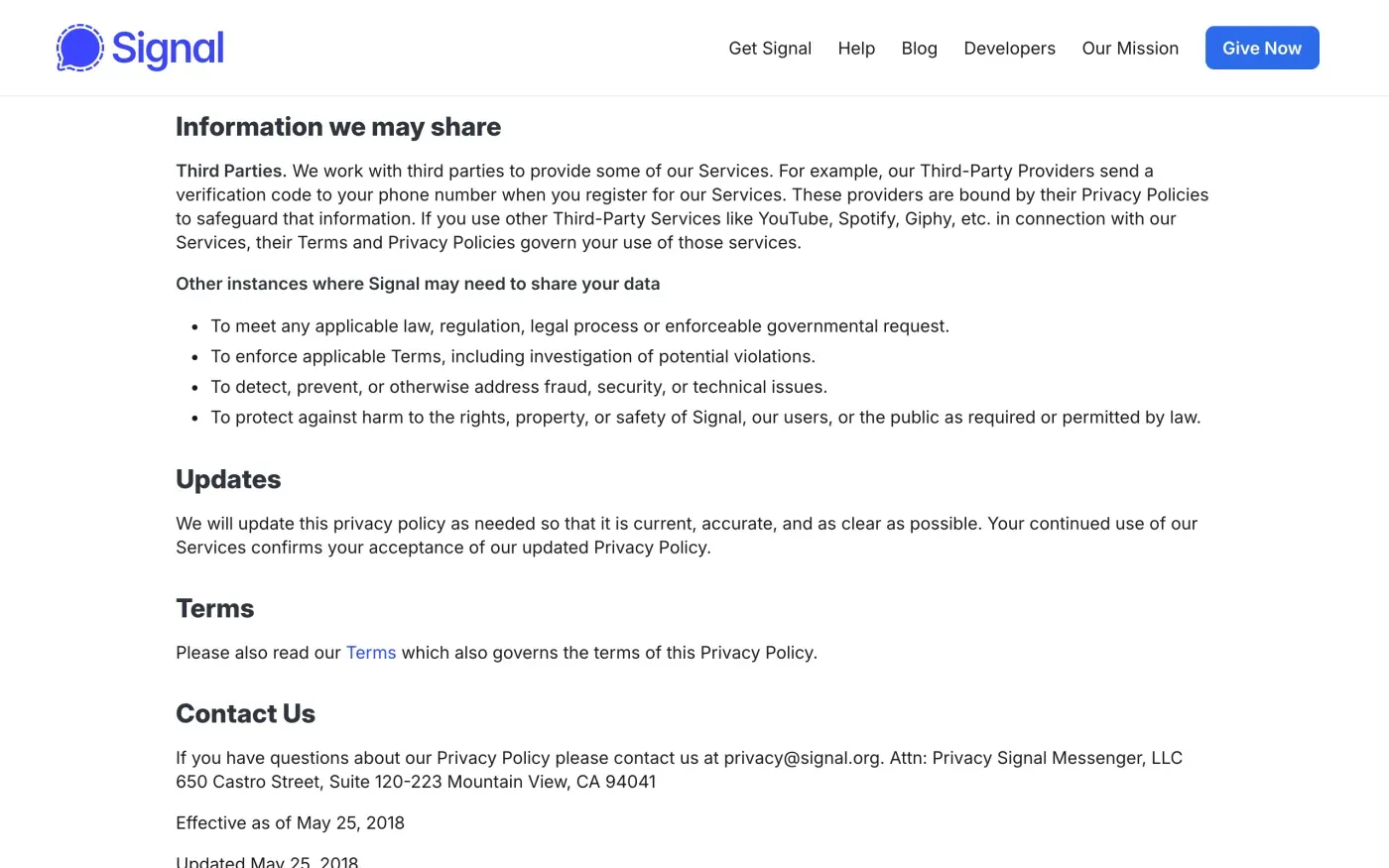
Email privacy@signal.org from the address you use for support, and put your phone number in the message, since that is the only account detail Signal has. The postal address is Attn: Privacy, Signal Messenger, LLC, 650 Castro Street, Suite 120-223, Mountain View, CA 94041. There is no web form for privacy requests on the policy page.
Signal cannot confirm who you are by email, so expect it to say it cannot act on a request it cannot tie to you, or to point you back to the app. Say in the letter that you have already deleted the account in the app, if you have, and ask it to confirm what remains.
The letter
Fill in the fields and copy it into an email to privacy@signal.org. The words that change are highlighted. Add your phone number on a line of its own. If you want the export first, send the access letter before or with it.
Dear Signal privacy team,
Under Article 17 of the GDPR, I ask you to erase all the personal data you hold about me.
My account uses the email address [your account email]. If you keep any of my data, please tell me what you keep and the legal reason.
Please answer within one month of receiving this request, as Article 12(3) of the GDPR requires.
Kind regards,
[Your name]
Dear Signal privacy team,
Under Article 15 of the GDPR, I ask for a copy of all the personal data you hold about me.
Please also tell me why you use it, what kinds of data you hold, who you have shared it with, how long you will keep it, where you got it if not from me, and whether you make automated decisions about me.
My account uses the email address [your account email].
Please answer within one month of receiving this request, as Article 12(3) of the GDPR requires.
Kind regards,
[Your name]
If you are in the UK, the UK letters cite the UK GDPR instead.
Using several messaging apps?
Reflex finds the companies in your Gmail, sends this letter to each from your own address and follows up for three months. Free to join the beta, €19 once when you start.
If Signal does not answer, and who to complain to
Signal has one month to answer a request (Article 12(3)). The deadline is explained in the response deadline guide. If it stays silent, send one reminder, then follow what to do if a company ignores your request.
Signal’s privacy policy names a company in California and no office or representative in the EU, so I found no lead authority to complain to. Article 77 lets you complain to the authority in the country where you live, and the EDPB keeps the list of national authorities. In the UK, complain to the ICO. Signal does not publish a separate UK controller in its privacy policy.
Other messaging apps have their own routes: see WhatsApp and Telegram.
Questions
Can I delete my Signal account by email?
Signal's help centre says it cannot, because it cannot verify that the account belongs to you. The deletion happens in the app on the phone where you set the account up. You can still email privacy@signal.org with a GDPR request.
What if I lost the phone I registered Signal on?
Signal's help centre says an account you cannot open is deleted after 120 days of inactivity, after which your phone number is no longer recognised as a Signal user. Registering the number again on a new phone lets you open the account and delete it yourself.
Does Signal have my messages?
Its privacy policy says Signal cannot decrypt or access the content of your messages or calls, and that your message history is stored on your own devices. Messages waiting for an offline device are queued in encrypted form.
Can I get a copy of my Signal data?
Yes, from Settings, Account, Your account data, as a TXT or JSON report. Signal says the report does not include messages or media, because it never has them.
Does Signal have an office in the EU?
Its privacy policy names only Signal Messenger, LLC in Mountain View, California. It names no EU office or EU representative, so there is no published lead authority to complain to.
Sources
- Signal Terms and Privacy Policy, Privacy Policy, Information you provide; Contact Us (effective 25 May 2018)Signal, checked 16 November 2026
- Delete AccountSignal Support, checked 16 November 2026
- Requesting your account dataSignal Support, checked 16 November 2026
- Signal and the General Data Protection Regulation (GDPR)Signal Support, checked 16 November 2026
- Open Signal on your phone to keep your account activeSignal Support, checked 16 November 2026
- Members of the EDPB, national data protection authoritiesEuropean Data Protection Board, checked 16 November 2026
- Regulation (EU) 2016/679, the GDPR, Articles 12, 15, 17 and 77EUR-Lex, checked 16 November 2026
- Make a complaintICO, checked 16 November 2026