
Two kinds of data, two people to ask
Notion holds two kinds of data, and each has a different person to ask.
| Kind of data | Examples | Who decides |
|---|---|---|
| Account information | Name, email, password, role, support messages, billing and usage information | Notion, under its privacy policy |
| Content in a workspace | Pages, databases, files and comments you or your team wrote | The workspace owner, if it belongs to an organisation |
Notion’s privacy practices page says the Privacy Policy applies to account information, while customer data falls under its contracts with customers. For the second pile, the policy says:
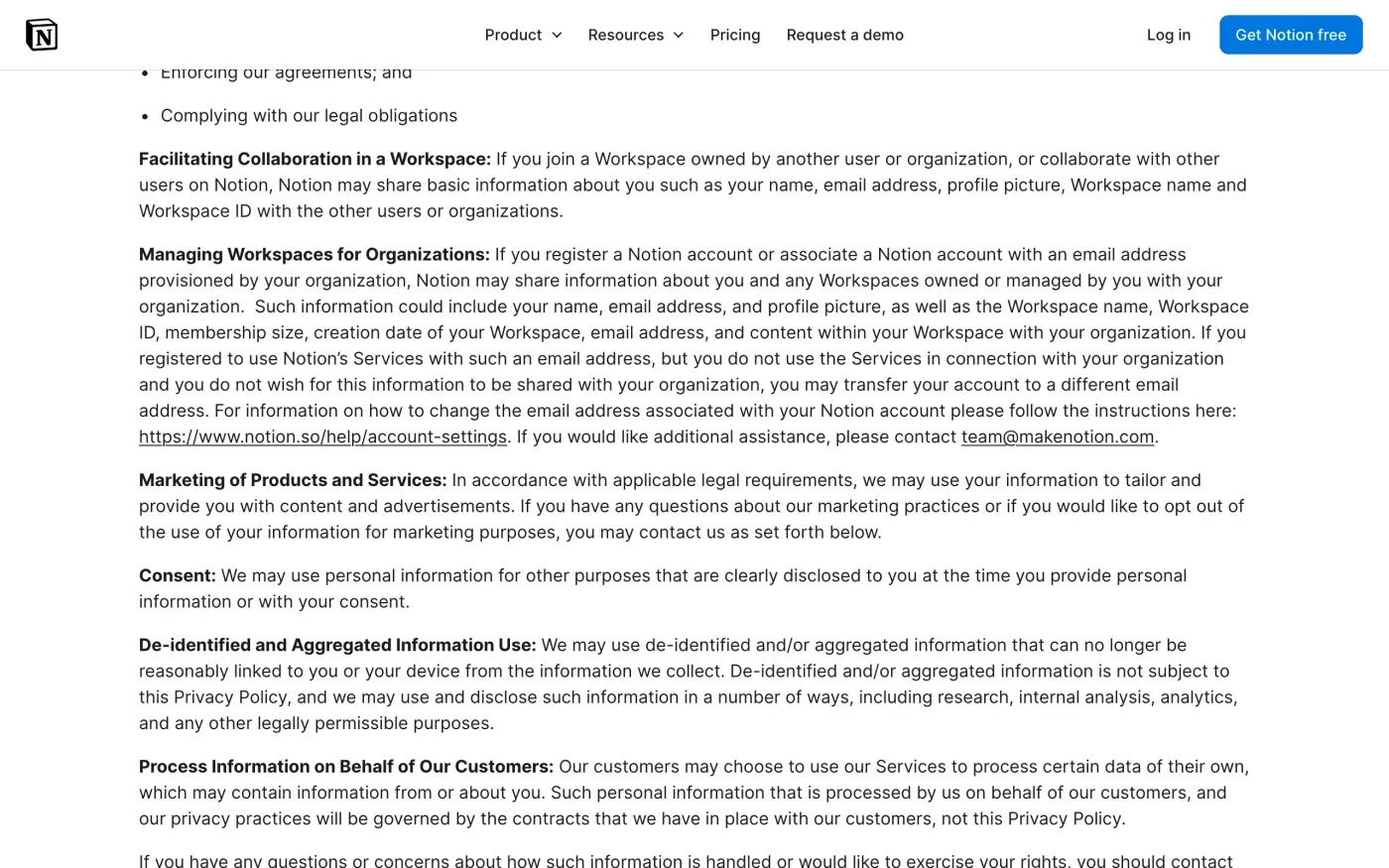
Our customers control the information in these cases and determine the security settings within the account, its access controls and credentials.
It tells you to “contact the person or entity (i.e., the data controller) who has contracted with us to use the Service”. In GDPR terms (Article 4(7) and 4(8)), your employer or team is the controller and Notion the processor. If you wrote pages in a company workspace, your company decides what happens to them. Notion can help the company, but the policy does not promise it will act on your request itself.
Export first, because deletion is permanent
Notion’s help page on deleting an account says “The action is permanent.” Export what you want to keep before you start:
- Open the workspace settings.
On desktop or web, go to Settings in the sidebar, then under Workspace choose General.
- Choose Export all workspace content.
Notion emails you a link to download your files. The link expires after 7 days.
- Allow time.
Exports “can take up to 30 hours to process, depending on the size of the workspace.”
Notion says the export leaves out pages you cannot access, such as other people’s private pages, and that you “can’t instantly recreate your workspace by reuploading” it. Forms cannot be exported as a form view, so export the table view instead.
The export copies your content. A GDPR access request also covers the account and usage data Notion holds about you, and the letter below asks for that.
Delete the account in the app
Notion’s help page gives these steps:
- Open your account settings.
Go to Settings in your sidebar, then click your name.
- Select Delete my account.
A window lists the workspaces that will be deleted with the account.
- Type your account email and confirm.
The button reads Permanently delete account and the number of workspaces.
What the deletion takes with it:
| Your workspace | What happens |
|---|---|
| Private, and you are the only member | Deleted |
| Shared, and you are the only admin | Deleted, for everyone in it |
| Shared, with other admins or you are a member | You are removed. The workspace stays. |
You also lose pages you made in workspaces you leave: “You won’t be able to access any content from workspaces that are deleted or that you are removed from, even your private pages.” Export those first.
Notion’s FAQ adds a 30-day safety net: “We keep backups of our database, which allows us to restore a snapshot of your content in the past 30 days.” That is a reason to ask Notion, in your request, when the backups are overwritten.
The GDPR request
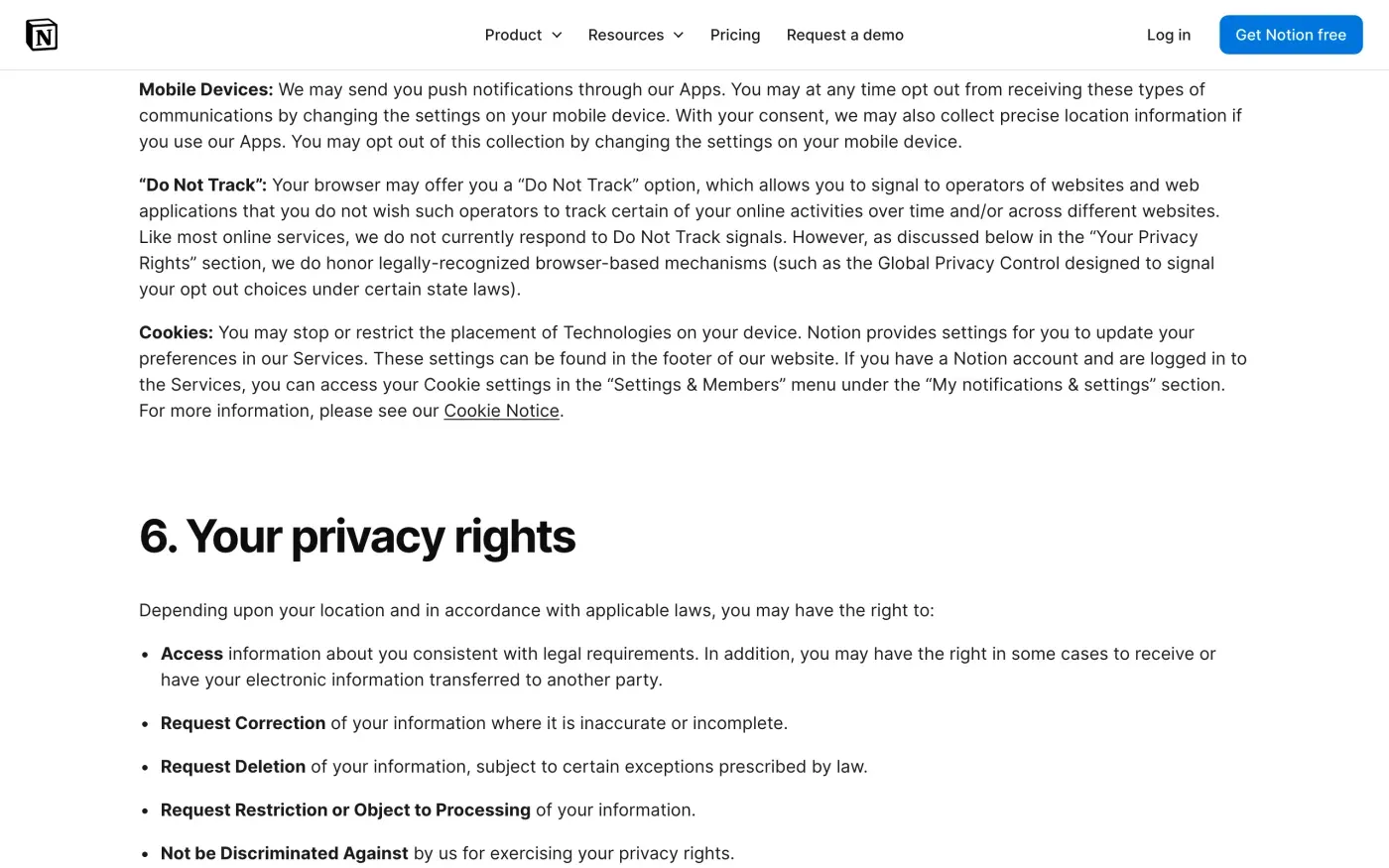
The in-app button deletes the account. A GDPR request is how you ask for a written answer: what Notion held, what it deleted, and what it kept and why. Section 6 of Notion’s privacy policy lists the rights it offers: access, correction, deletion, restriction or objection, and not being discriminated against for using them.
The contact block is at the very end of the policy:
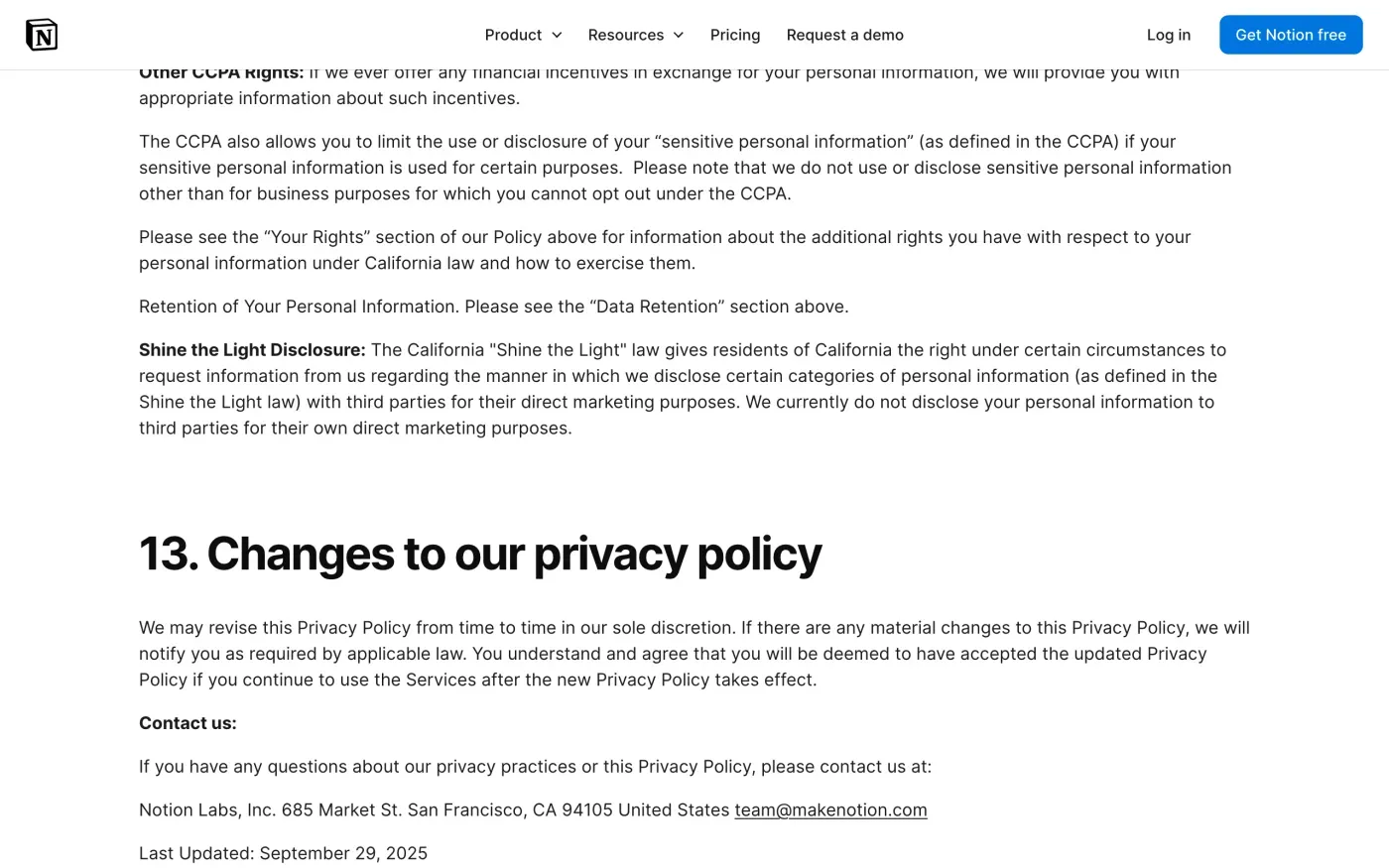
The policy says: “If you have any questions about our privacy practices or this Privacy Policy, please contact us at: Notion Labs, Inc., 685 Market St., San Francisco, CA 94105, United States, team@makenotion.com.” When checked on 15 November 2026, the policy (last updated 29 September 2025) listed no web form, no EU address and no data protection officer (DPO).
The policy has a second address, privacy@makenotion.com, but only in the California section, for requests about offline sharing of information with third parties. For a GDPR request, use the address in Contact us.
Will Notion ask for ID
The policy says: “To protect your privacy, we will take steps to verify your identity before fulfilling your request, such as by requiring you to submit your request via your account.” It does not describe an ID check. Send the letter from the email address on your Notion account. Under Article 12(6) of the GDPR, Notion may ask for more only if it has reasonable doubts about who you are. If it asks for something, offer details it can check against the account, such as a workspace name, before an identity document.
How long Notion keeps data
The policy gives no schedule. Section 7 says: “We store the information we receive as described in this Privacy Policy for as long as you use our Services or as necessary to fulfill the purpose(s) for which it was collected, provide our Services, resolve disputes, establish legal defenses, conduct audits, pursue legitimate business purposes, enforce our agreements, and comply with applicable laws.” Apart from the 30-day backups in the help page, no figures are published. The letter asks Notion to state what it keeps after deletion and for how long.
The letter
Fill in the fields and send it from your Notion account email to team@makenotion.com. Use the access version first if you want a copy of what Notion holds before the account goes, since the deletion removes the account.
Dear Notion privacy team,
Under Article 15 of the GDPR, I ask for a copy of all the personal data you hold about me.
Please also tell me why you use it, what kinds of data you hold, who you have shared it with, how long you will keep it, where you got it if not from me, and whether you make automated decisions about me.
My account uses the email address [your account email].
Please answer within one month of receiving this request, as Article 12(3) of the GDPR requires.
Kind regards,
[Your name]
Dear Notion privacy team,
Under Article 17 of the GDPR, I ask you to erase all the personal data you hold about me.
My account uses the email address [your account email]. If you keep any of my data, please tell me what you keep and the legal reason.
Please answer within one month of receiving this request, as Article 12(3) of the GDPR requires.
Kind regards,
[Your name]
In the UK, the UK version of the letter cites the UK GDPR instead. The subject access request guide explains what a copy should include, and the deletion letter guide covers the deadlines.
Notion is one of many accounts
Reflex finds the companies in your Gmail, sends this letter to each from your own address and follows up for three months. Free to join the beta, €19 once when you start.
If Notion does not answer
Notion has one month from receiving your request, extendable by two months only if it tells you why within the first month (Article 12(3)). The response deadline guide shows how to count it. If the month passes, send a reminder; the guide to ignored requests has one.
Notion’s policy confirms that if you are in the EEA or the UK, “you have the right to lodge a complaint with a supervisory authority if you believe our processing of your information violates applicable law.” It does not name which one. Under Article 77 you can complain to the authority in the country where you live. The EDPB keeps the list of national authorities. In the UK, complain to the ICO.
Questions
How do I delete my Notion account?
In the app or on the web, go to Settings in the sidebar, then your name, and select Delete my account. Notion shows which workspaces will be deleted and asks you to type your account email before it deletes anything.
Can I get my Notion account back after deleting it?
Possibly. Notion's help page says it may be able to restore your content within 30 days of deletion, from database backups, if you message support. After that, do not count on it.
What is Notion's email address for data requests?
The privacy policy's Contact us section gives Notion Labs, Inc., 685 Market St., San Francisco, CA 94105, United States, and team@makenotion.com. It names no separate address for EU or UK requests.
Does Notion have an EU or UK company?
Its privacy policy does not name one. It speaks only of Notion Labs, Inc. and "our relevant affiliates", and it names no data protection officer or lead authority.
Can Notion delete the pages I wrote in my company workspace?
Probably not on its own. For content in a workspace run by an organisation, Notion's policy says the customer is the data controller and tells you to contact them. Ask your workspace admin.
Sources
- Notion privacy policy, Last updated 29 September 2025, sections 2, 6, 7, 11 and Contact usNotion, checked 15 November 2026
- Delete your accountNotion, checked 15 November 2026
- Export your content, Export your entire workspaceNotion, checked 15 November 2026
- Privacy practices at Notion, Data Deletion, Notion as Processor and ControllerNotion, checked 15 November 2026
- Regulation (EU) 2016/679, the GDPR, Articles 4(7), 4(8), 12, 15, 17 and 77EUR-Lex, checked 15 November 2026
- Members of the EDPB, national data protection authoritiesEuropean Data Protection Board, checked 15 November 2026
- Make a complaintICO, checked 15 November 2026